01Choose your panel
Pick your perfect panel.
Choose your panel size and edge style to match your space. Our seamless design creates a flawless, immersive night sky.
 47.2 in (120 cm)23.6 in
(60 cm)

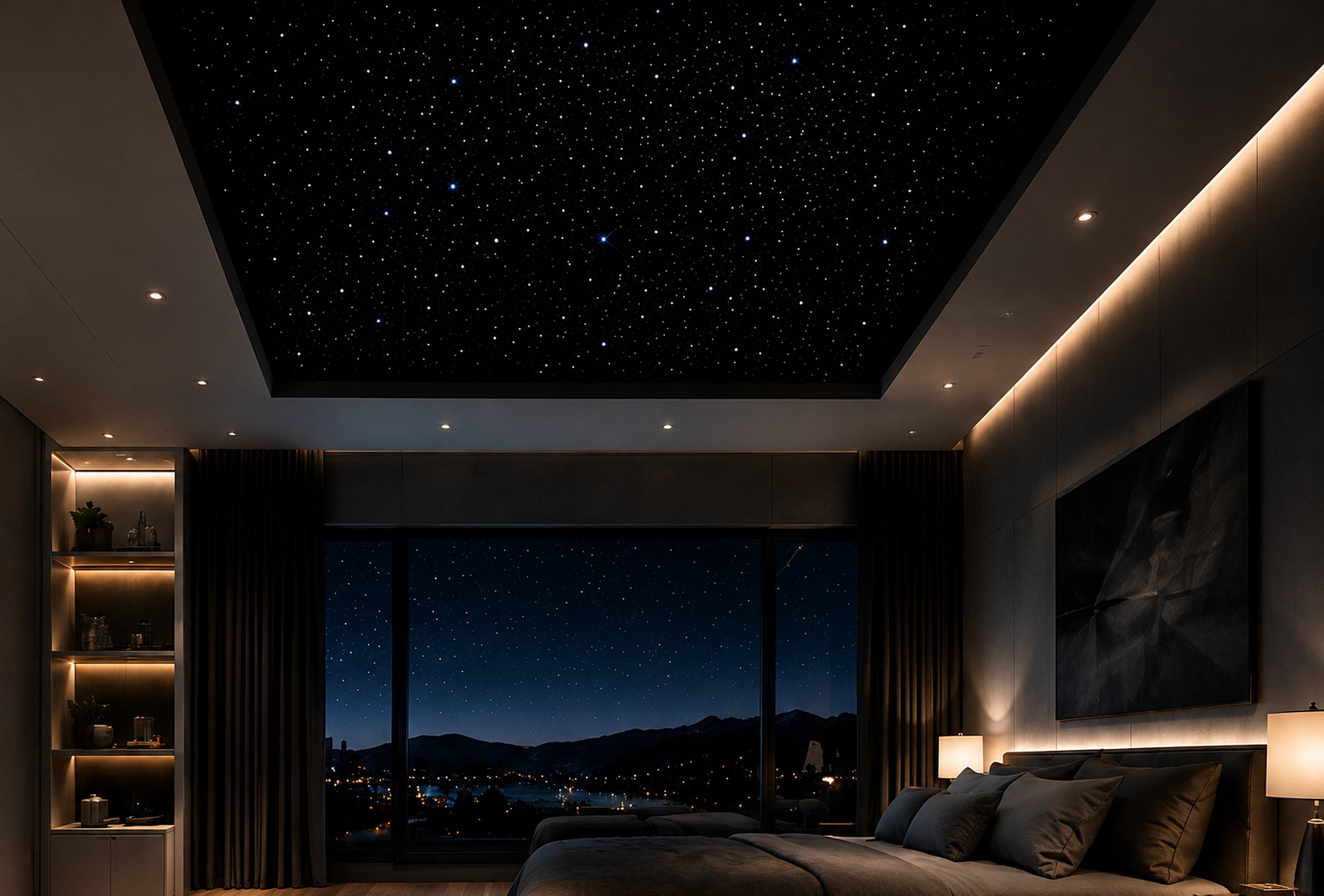
From unboxing to a breathtaking night sky, our 5-step process is designed to be simple, guided, and deeply rewarding.
Choose your panel size and edge style to match your space. Our seamless design creates a flawless, immersive night sky.
47.2 in (120 cm)23.6 inUse our simple planner to design your layout. Our panels are modular, so you can scale from one panel to an entire ceiling.
Panels mount directly to drywall or ceiling joists with the included hardware. No special tools required.
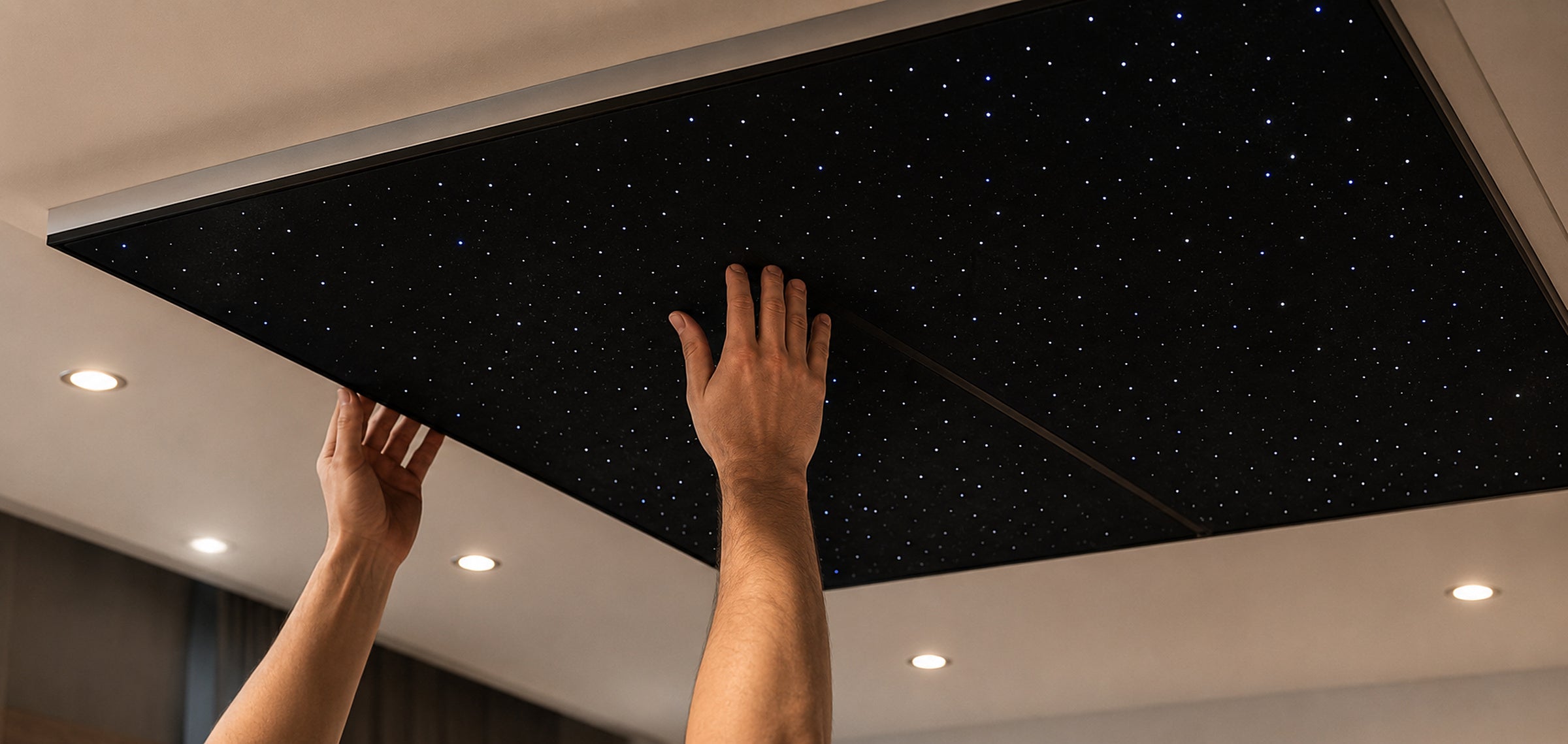
Connect the control box, power supply, and your panels. Then pair with our app to customize brightness and effects.

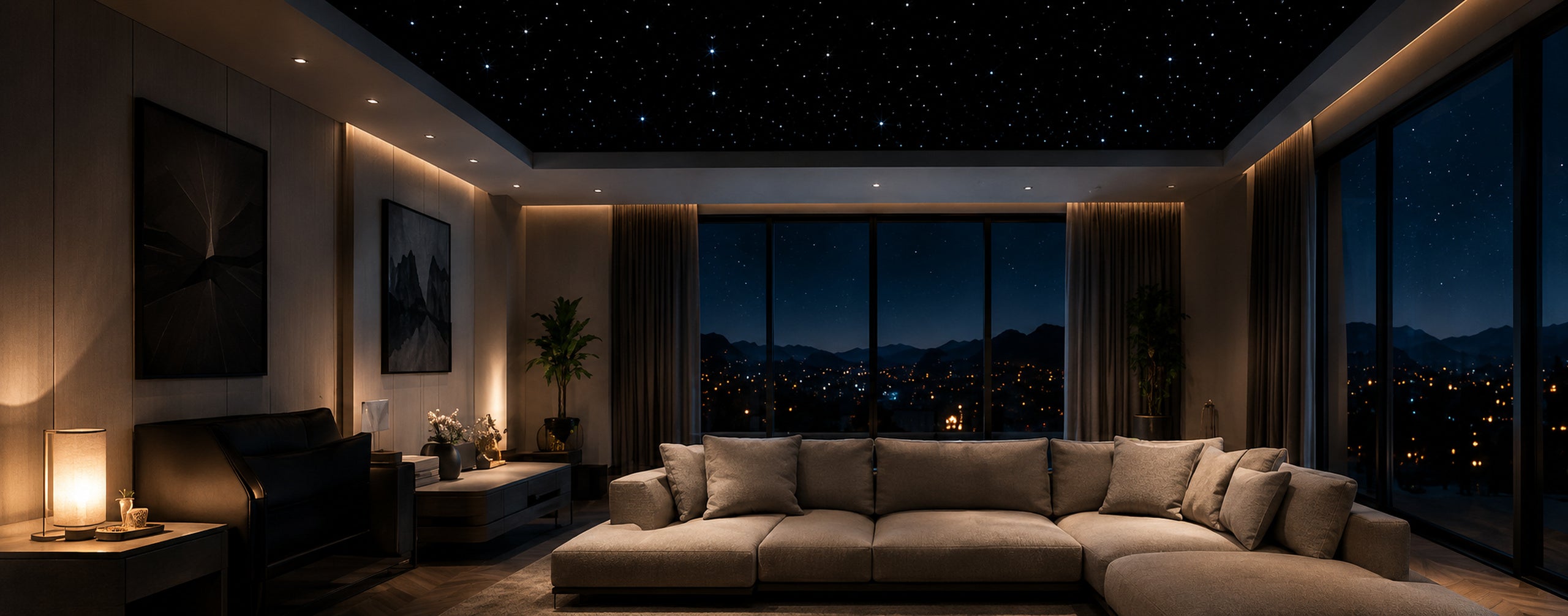
Relax under a calming, hyper-realistic sky. Dim, brighten, schedule, and set the perfect mood.
Frequently asked questions
The mounting system suits most flat, structurally sound ceilings.
Panels are engineered for their supplied dimensions; plan borders around fixtures and edges.
No. The low-voltage LEDs are designed to remain cool to the touch.
The modular system can be expanded with additional compatible panels.
The included control box connects the panels and app.
Returns follow the store policy shown at checkout and on the returns page.
Free worldwide shipping. 30-night home trial.
Loved by thousands.