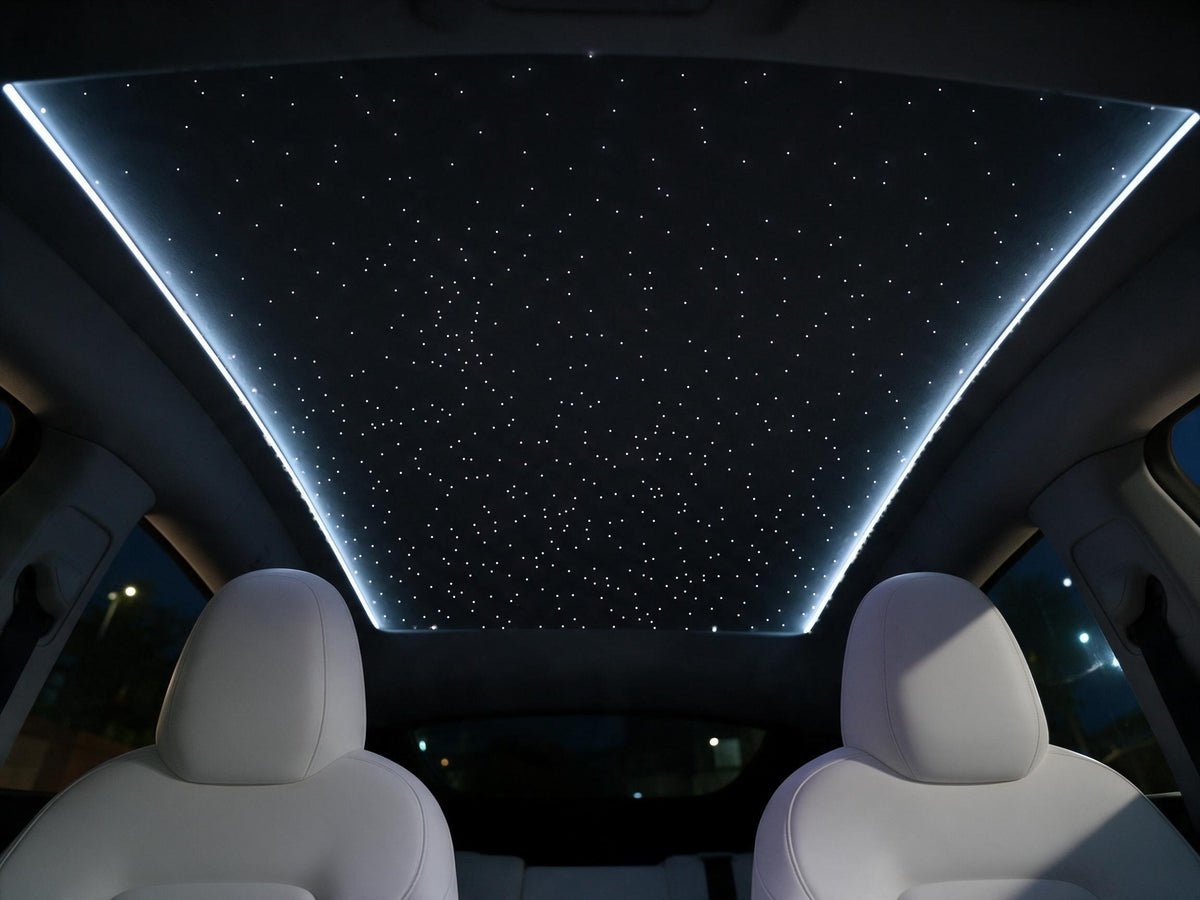
Looking up at the starlight roof glowing white inside a Tesla Model Y at night
Starlight Ceiling for TeslaModel Y · New Model Y · Model Y L

Starlight
Roof

The night sky, built into the glass roof of your Tesla.

Hundreds of points of light, where the glass used to be. A sunshade by day. A sky by night.

Custom fitShaped for Model Y and Model Y L
Plug-and-playNo drilling, no cutting
Four ways to controlApp, remote, touch panel or voice

Your sky,
your way.

A live 3D model of the starlight roof. Change the mode and the ceiling answers in real time.

StaticWhite

Mode

Color Mode

Light modes

Still, or alive.

Seven colours and five ways to show them, each with its own speed and brightness.

Static

One colour, held still. Red, yellow, green, cyan, blue, purple or white.

Gradient

Colours melt into one another, as slowly as you like.

Jump

A clean cut from one colour to the next.

Breath

The whole sky dims and returns, like a slow breath.

Meteor

A shooting star crosses the ceiling. Normal, Random, Lightning or Rail.

The app

Five taps to
your own sky.

1 / 5
The app's Color screen with the connect button highlighted at the top right

Step 1

Connect your roof

Open the app and tap the plus button at the top right. Once the counter shows 1, switch Global Light on.

The Color screen showing the colour disk

Step 2

Pick a colour

Drag anywhere on the colour disk, or tap one of the common colours underneath. The ceiling follows your finger.

The Mode screen with Static, Gradient, Jump, Breath and Flash

Step 3

Choose how it moves

On the Mode tab choose Static, Gradient, Jump, Breath or Flash, then scroll the list to pick a colour combination.

The Mode screen with the Speed and Brightness sliders highlighted

Step 4

Set speed and brightness

Slide Speed to slow the effect down or hurry it up, and Brightness to take the whole ceiling from a faint glow to full.

The Meteor screen with Normal, Random, Lightning and Rail

Step 5

Add shooting stars

On the Meteor tab switch Meteor Mode on, pick Normal, Random, Lightning or Rail, and tune the interval, speed and trail.

In the car

Every seat
gets the view.

The starlight roof glowing cyan, seen from the rear seat of a Model Y
From the back seatThe best seat in the car just changed.
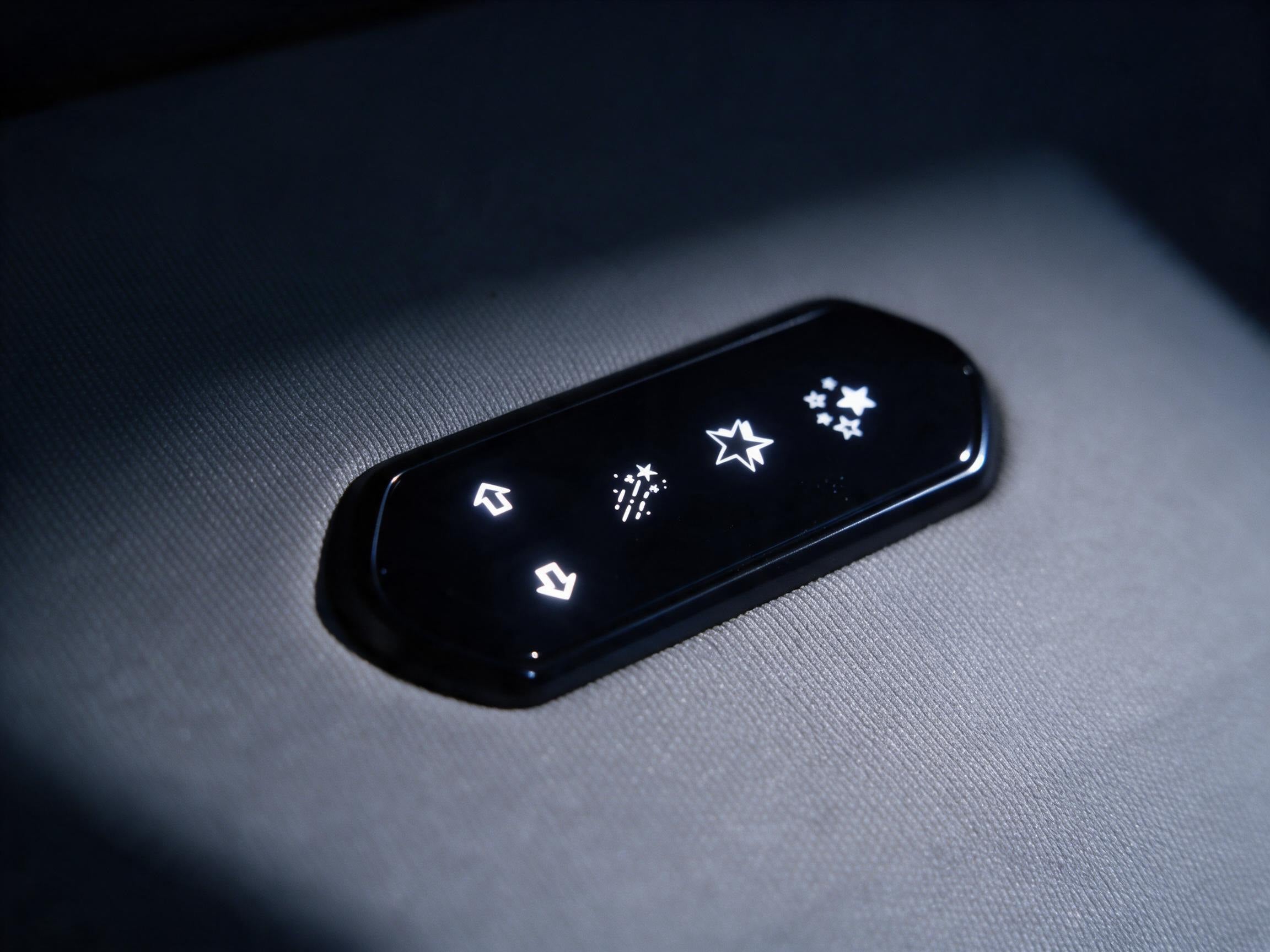
The illuminated touch control set into the headliner
Touch controlOverhead, within reach.
The starlight roof glowing purple above white seats
Any colourSeven presets, or any shade from the colour disk.
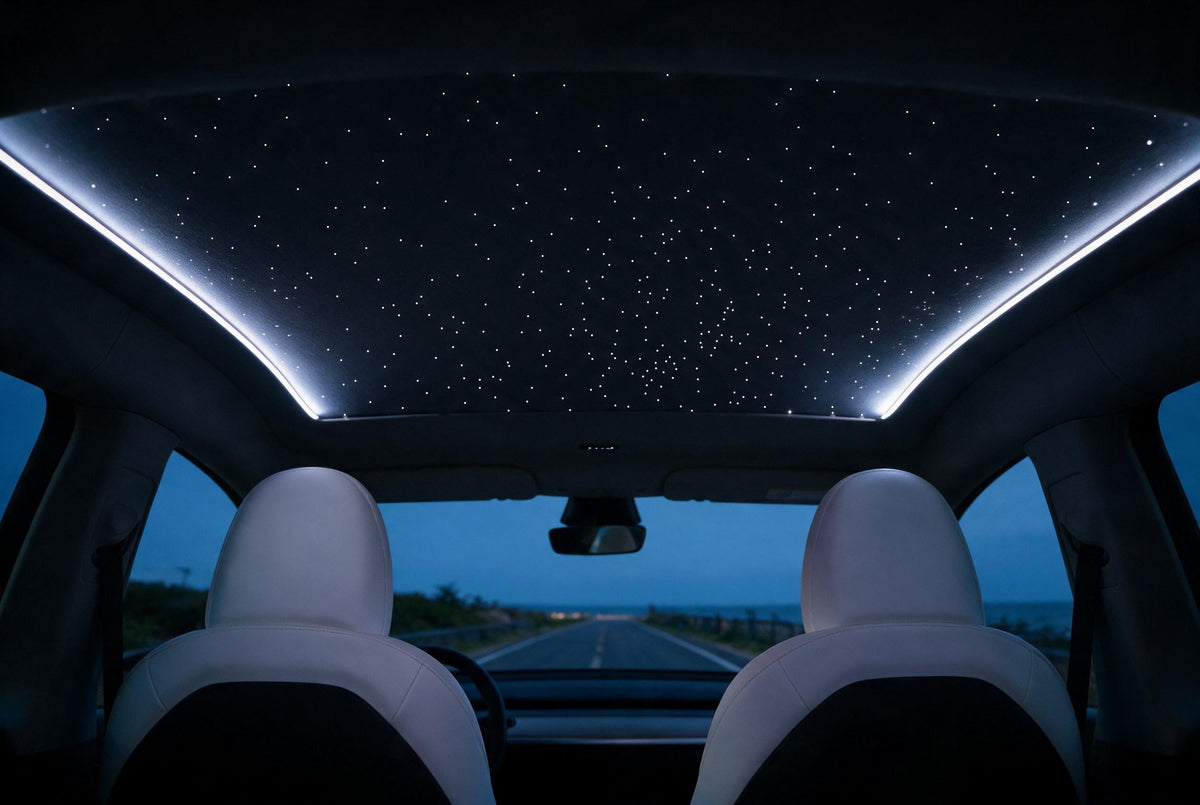
The whole starlight roof seen from between the front seats
Edge to edgeThe whole roof, not a patch of it.
A shooting star crossing the starlight roof
Shooting starsOn demand.

Fitment

Made for
your Tesla.

Each panel is shaped for one car and finished to match its headliner. On a New Model Y, pick the colour your headliner is today.
  • Model Y

    2020–2024 Light grey headliner
  • New Model Y

    2025–2026 Light grey headliner, for cars with the light headliner
  • New Model Y

    2026 Black headliner, for cars with the black headliner
  • Model Y L

    2026 Black headliner

Installation

No drilling.
No cutting.

  • Plug-and-playIt connects with a plug. No splicing into the car.
  • Nothing permanentThe roof stays exactly as Tesla built it.
  • Shaped for the openingIt sits flush with the headliner.

Bring the night sky
along for the ride.

Free shipping to Canada and the United States. 30-day worry-free returns.